Turn reference images and creative ideas into production-ready 3D models with a fast, browser-based workflow built for creators.Make a 3D model from any image.
Your generated 3D model will display here once ready
Gallery
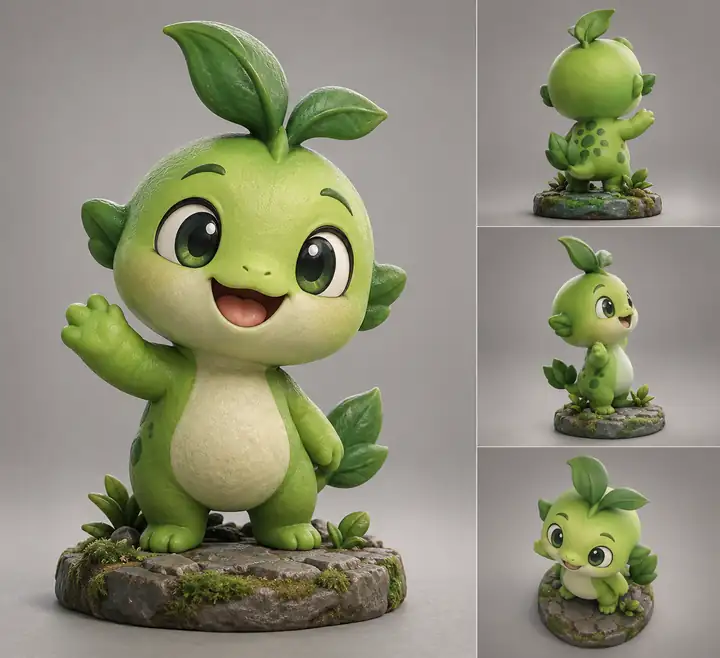
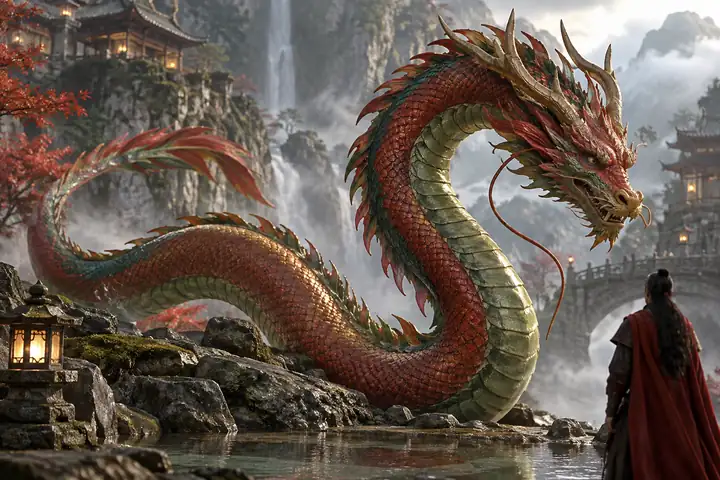
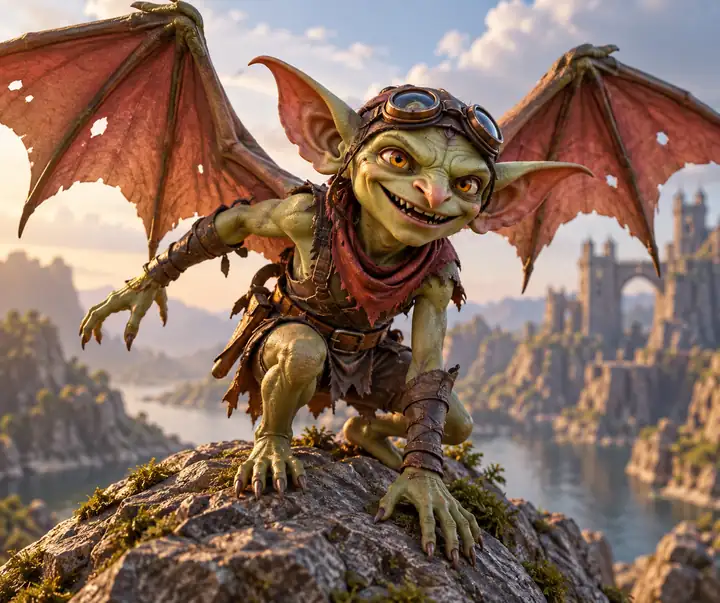
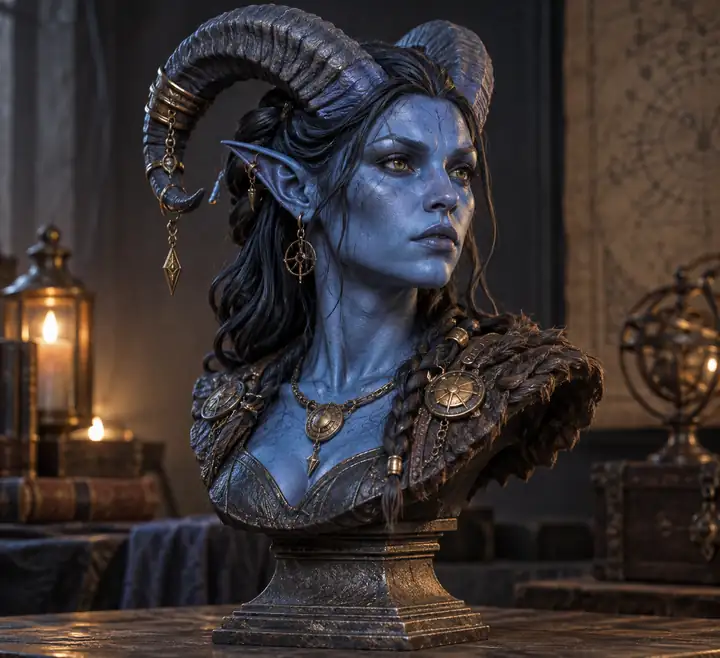
Bring 2D Concepts to Reality with Breathtaking 3D Details
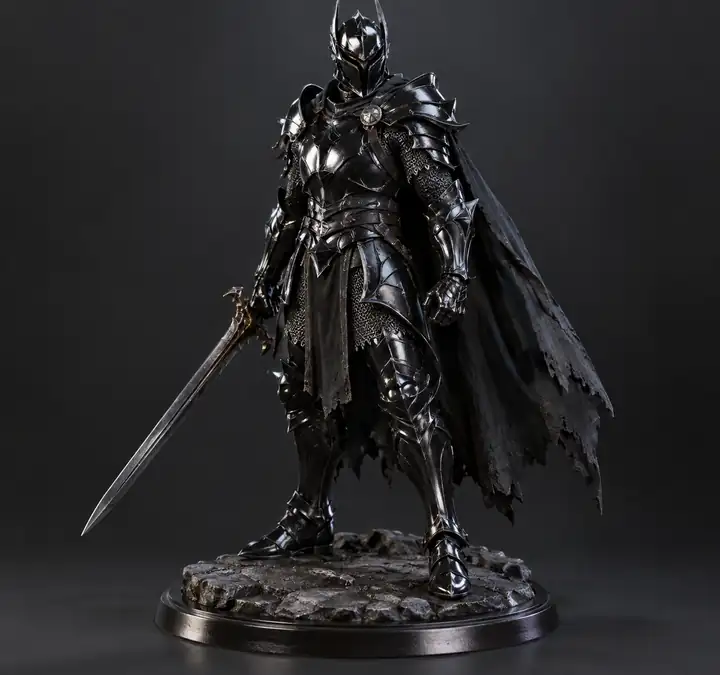
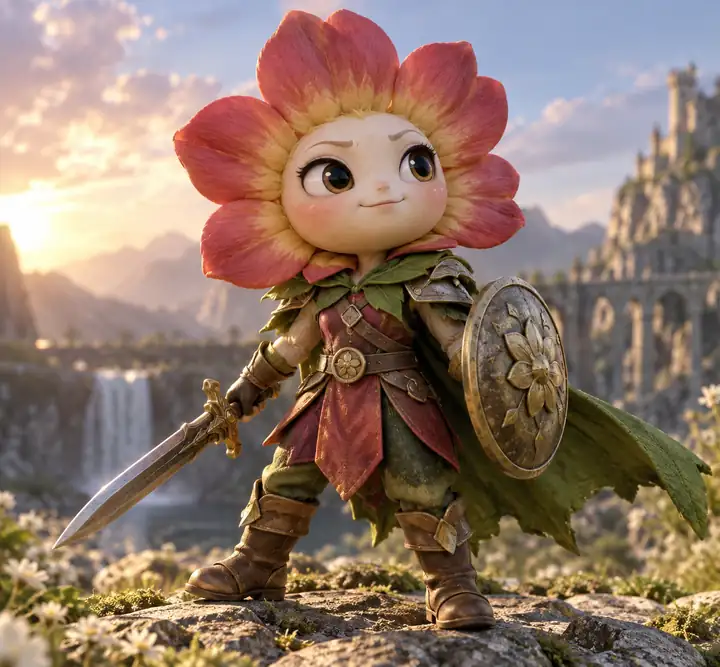
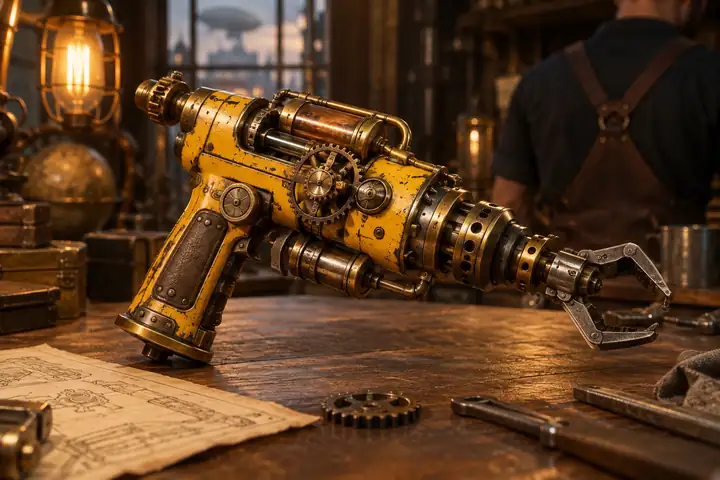
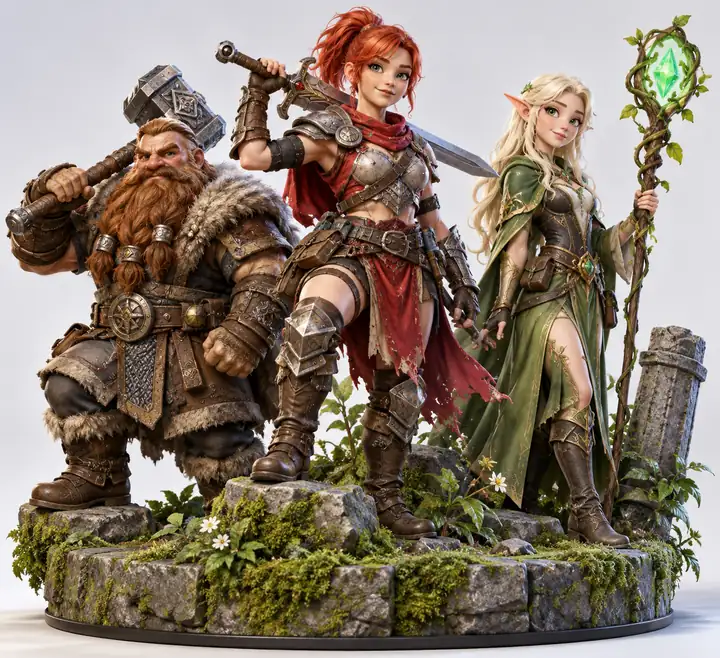
Explore how creators turn flat designs, sketches, and visual references into distinctive 3D assets with image to 3d model free.
Use cases
Image to 3D AI for a Wide Range of Projects
Turn images into high-quality 3D models in seconds for games, physical prototypes, interiors, and interactive learning.
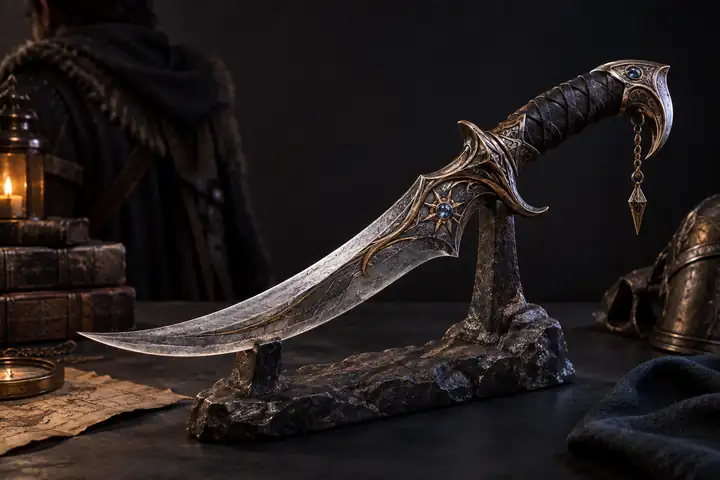
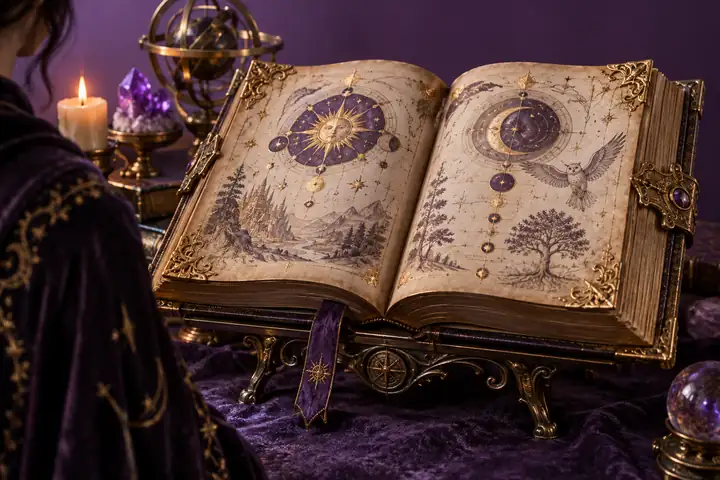
Game Development
Speed up your asset pipeline by turning reference images into game-ready 3D models. Prototype characters, props, and environments faster, reduce manual work, and bring new ideas into your engine in a fraction of the usual time.
Rapid prototyping for characters, props, and environments
Consistent multi-view outputs for easier integration
Optimized models ready for Unity, Unreal, and other engines
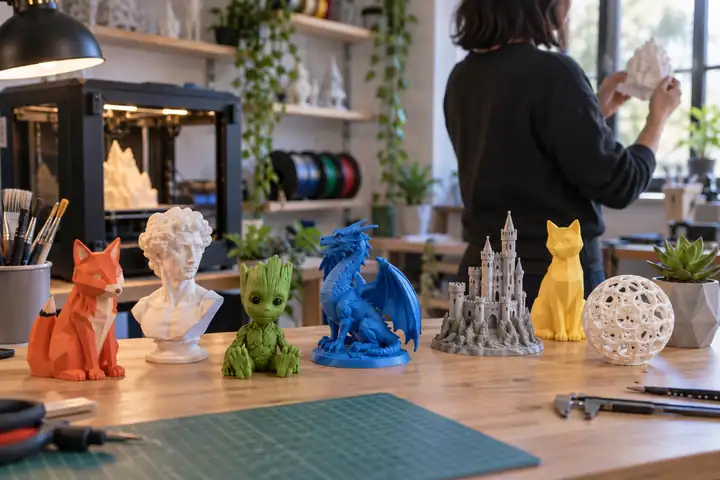
3D Printing
Quickly convert images into printable 3D models without complex modeling steps. Move from concept ideas to physical objects with a workflow that makes testing, customizing, and producing models easier.
Clean mesh generation for 3D printing workflows
Easy scaling and adjustments before printing
Faster transition from idea to physical prototype
Interior Design
Bring design concepts to life by transforming inspiration images into realistic 3D models. Test furniture styles, plan layouts, and present ideas to clients with greater clarity and confidence.
Generate furniture and decor models from references
Quickly test different layouts and design styles
Improve client presentations with realistic 3D visuals
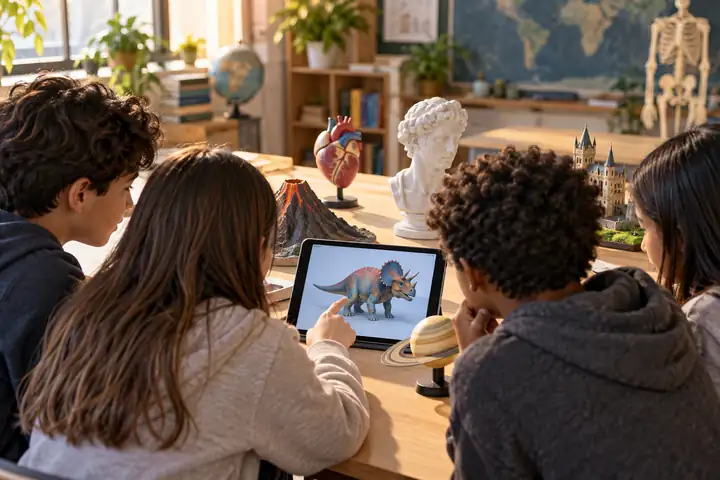
Education
Enhance teaching and learning by turning visual references into interactive 3D models. Help students understand complex concepts through hands-on visualization and exploration.
Create models for science, history, design, and more
Improve comprehension with interactive visual learning
Enable students to explore their own 3D content
Try Image to 3D AI for Free
Say goodbye to complex 3D modeling workflows and use image to 3d model free to accelerate your next creation.
Upload a reference image and create a 3D model with accurate shape reconstruction and fine surface details. Preserve key structures, edges, and proportions for design and production workflows.
Text to 3D
Create Stunning 3D Models from Text with AI
Describe an idea in plain language and quickly prototype structured 3D models, characters, and creative assets without starting from manual modeling.
Two 3D Model Types
Generate Textured or Geometry-Only Image to 3D Model
Choose a textured mesh with UV mapping for realistic rendering, or a geometry-only model with clean topology that is easier to edit, retopologize, or animate.
Text to 3D
Create Stunning 3D Models from Text with AI
Expand a photo or a prompt into a structured asset and explore creative variations without the time cost of traditional modeling pipelines.
Advantages
How Image to 3D AI Improves Modeling?
Traditional 3D modeling can take hours or even days. A browser-based image to 3d model free workflow helps you create ready-to-use assets faster and simplify the creative process.
Our Image to 3D Model Tool
Free to use with no expensive software required.
Generate 3D models in minutes, not hours.
Convert a single image into a high-quality 3D model with AI.
Choose between textured and geometry-only model modes.
Export editable GLB files and convert formats online.
Works entirely in your browser with no installation.
Beginner-friendly workflow with one-click generation.
Traditional 3D Modeling
Professional 3D software often requires costly subscriptions or licenses.
Creating models manually can take hours or even days.
Build meshes from scratch through complex manual workflows.
Creating different model variations requires additional manual work.
Exporting and converting formats often requires multiple tools.
Requires downloading, installing, and maintaining desktop software.
A steep learning curve and professional skills are usually required.
Reference image guide
How to Choose a Reference Image for a High-Quality 3D Model?
The quality of your 3D model starts with the image you upload.
Built for game developers, 3D artists, and e-commerce brands to turn images into high-quality 3D models instantly.
★★★★★
I’ve tried several AI modeling tools before, but image to 3d model free was the first one that actually fit naturally into my workflow. I uploaded a few concept images for my game project, and within minutes I had usable 3D assets ready for prototyping. It dramatically reduced the time I normally spend on early-stage modeling.
Ethan CarterIndie Game Developer
About us
Meet Image To 3d Model Free
Transform 2D images into high-quality, ready-to-use 3D models in seconds. Say goodbye to hours of manual modeling.
Our Story
Traditional 3D modeling takes hours of manual work. Built around computer vision and creative tooling, Image To 3d Model Free makes it easier to move from a visual reference to a useful 3D starting point.
Our Vision
We want practical 3D generation to feel accessible to designers, developers, educators, and independent creators who need to explore ideas quickly.
Quick answers to questions you may have. Can't find what you're looking for? Explore the free workflow to learn more.
It is a browser-based workflow that converts a 2D image into a usable 3D model. By analyzing shape, depth, and texture, the process reconstructs geometry and applies materials without requiring manual modeling from scratch.
Yes. The workflow is designed for the browser, so you can start with a JPG, PNG, or WebP reference without installing complex desktop software.
Images with a complete subject, clear edges, even lighting, and a simple background generally produce the best results. High-resolution references with minimal occlusion help geometry and materials stay consistent.
Absolutely. You can start from your own photos, design sketches, product references, or character concepts and send the workflow to the creation tool.
Privacy depends on the processing partner you choose. Review its current data policy before uploading confidential material, and use references you have permission to process.
Rights can vary by jurisdiction, source material, and the partner's terms. Review the applicable terms and make sure your input images are yours to use before publishing a generated model.






 Best
Best Avoid
Avoid Best
Best Avoid
Avoid Best
Best Avoid
Avoid Best
Best Avoid
Avoid
